Save a voicemail or voice memo
Keep a voice memo or voicemail in your vault as an audio message, encrypted with everything else.
-
Save the recording to your phone
Save the voice memo or voicemail to your phone first: in Voice Memos or your phone app, share it to Files (iPhone) or save it to your Downloads (Android).
-
Add a message
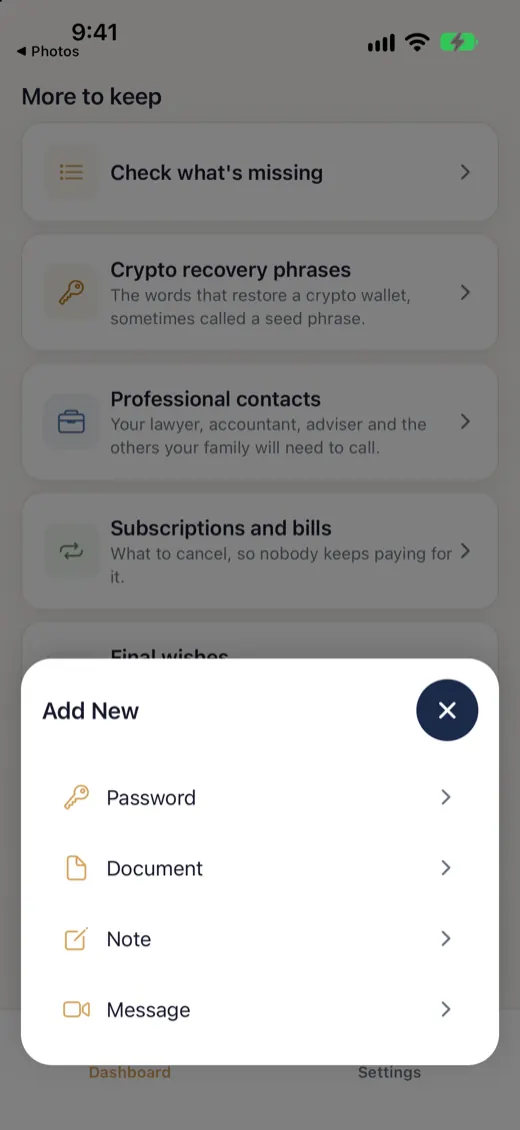
In SecureKeep, open Messages and tap the plus button to add one.
-
Import a recording
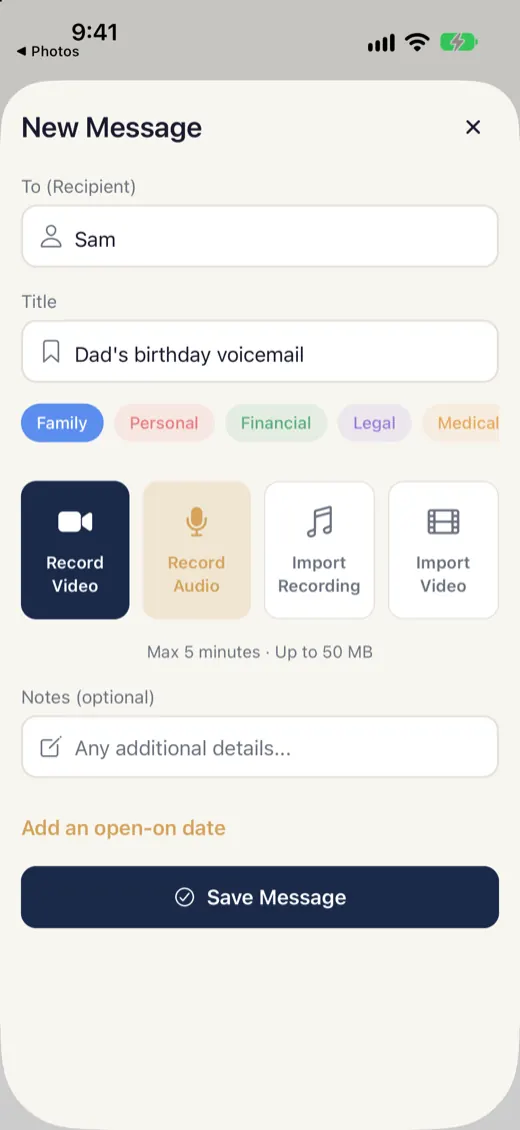
Tap Import a recording.
-
Pick the file
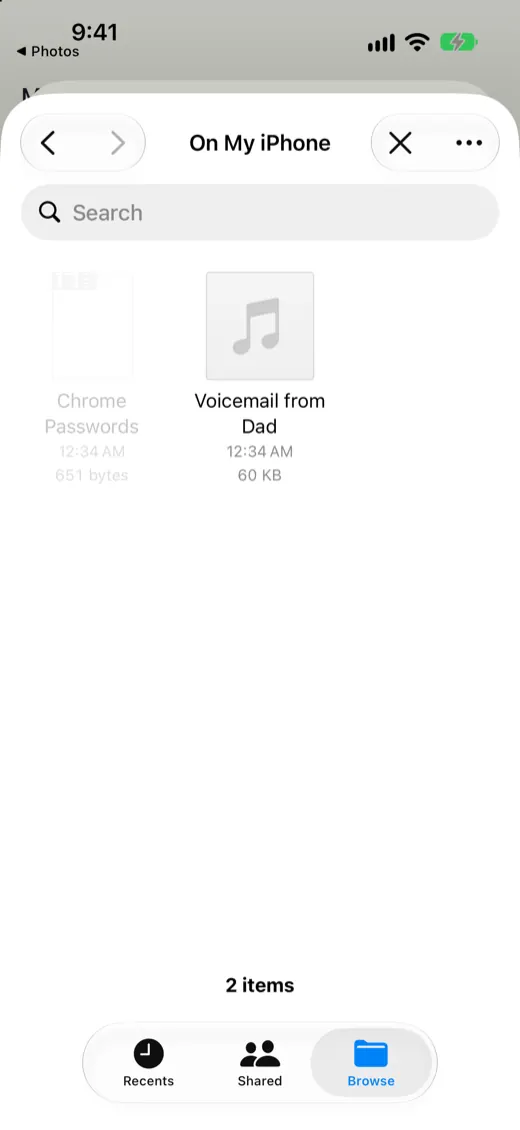
Choose the recording from Files or Downloads.
-
Check it and save
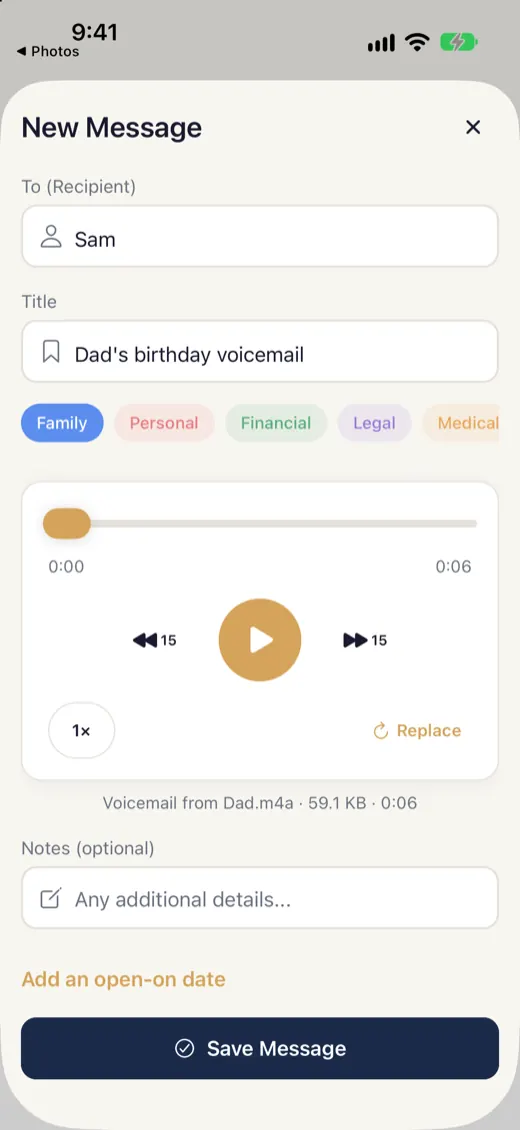
Listen to it, add a name and who it's for, and tap Save.
Good to know
- Recordings up to 50 MB and 5 minutes.
If it doesn't work
- It says the file is too big or too long
- Trim the recording to 5 minutes or less in your phone's voice recorder, then import the shorter one.
- I can't find my voicemail
- Some phones keep voicemails inside the phone app. Share or save the voicemail to Files or Downloads first, then pick it here.
Does your screen look different from this guide? Tell us and we'll update it.